> ## Documentation Index
> Fetch the complete documentation index at: https://docs.arcuserp.com/llms.txt
> Use this file to discover all available pages before exploring further.
# Portal Orders
> Find account-scoped orders, filter and search the order list, open order details, and handle empty or missing records safely.
The signed-in portal shows only orders for the customer account attached to the portal session.
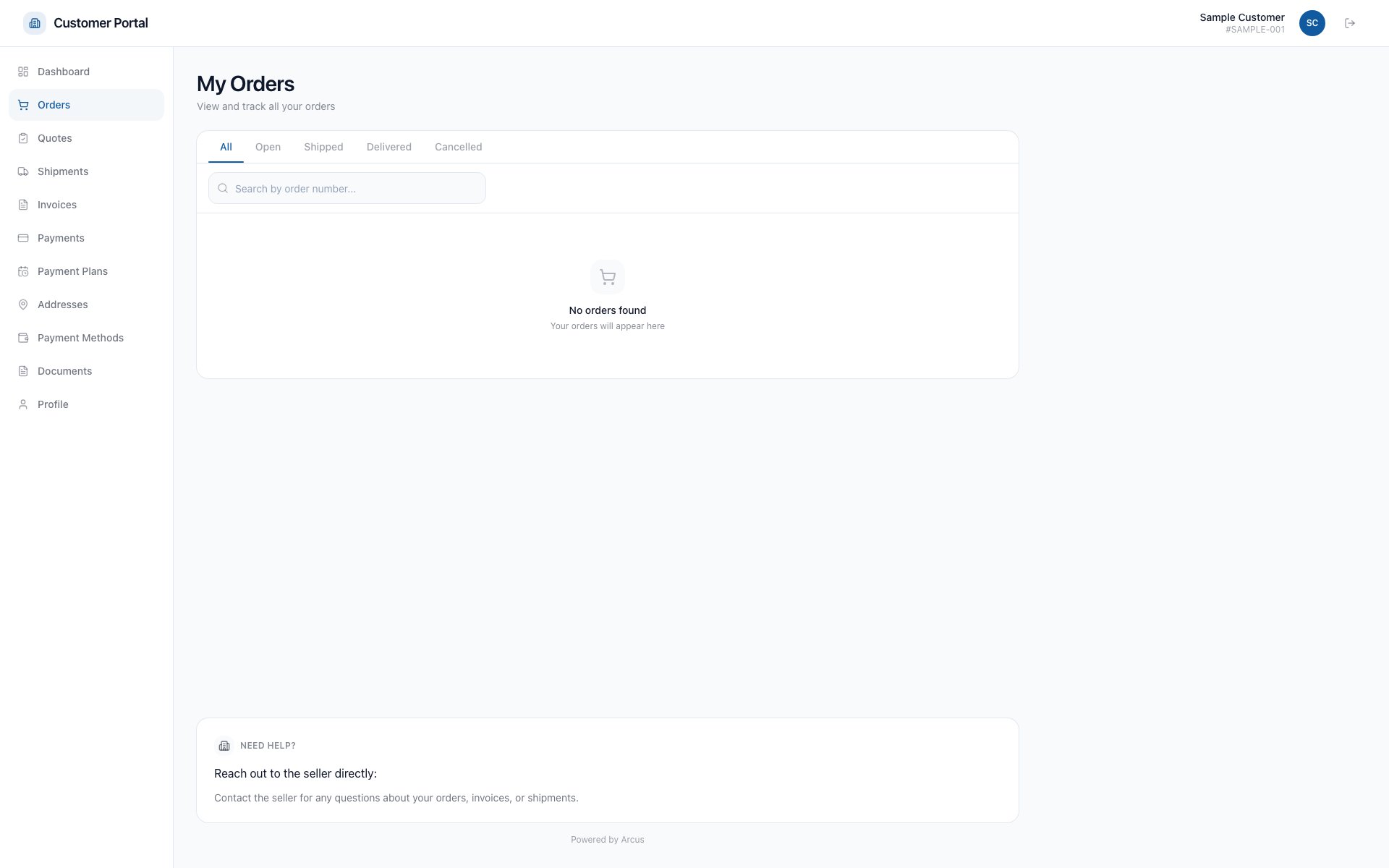 ## Find An Order
1. Sign in to the customer portal.
2. Select **Orders**.
3. Search by the visible order reference or use a status filter.
4. Select an order to review its status, items, totals, shipments, invoices, and available documents.
5. Download the order PDF when the detail page offers it.
## Common Scenarios
* **No orders**: confirm you signed in with the email connected to the intended customer account. Contact staff if the account relationship is wrong.
* **Order not found**: clear search and status filters. A direct link also returns Not Found when the order is outside the signed-in account.
* **Recent order is missing**: ask staff to confirm the order belongs to this account and is customer-visible.
* **Details changed**: refresh the page. Contact staff before acting if totals, shipment status, or payment status still looks wrong.
* **Need to change or cancel an order**: contact staff. Do not submit a second order to correct the first one.
* **Need a return**: contact staff. The portal has no Returns list or self-service return request.
## Related Articles
Understand portal access and account scope.
Review balances, invoices, shipment status, and tracking.
Use a scoped link when full portal access is unnecessary.
Understand how an authorized return email link opens the scoped return detail.
## Find An Order
1. Sign in to the customer portal.
2. Select **Orders**.
3. Search by the visible order reference or use a status filter.
4. Select an order to review its status, items, totals, shipments, invoices, and available documents.
5. Download the order PDF when the detail page offers it.
## Common Scenarios
* **No orders**: confirm you signed in with the email connected to the intended customer account. Contact staff if the account relationship is wrong.
* **Order not found**: clear search and status filters. A direct link also returns Not Found when the order is outside the signed-in account.
* **Recent order is missing**: ask staff to confirm the order belongs to this account and is customer-visible.
* **Details changed**: refresh the page. Contact staff before acting if totals, shipment status, or payment status still looks wrong.
* **Need to change or cancel an order**: contact staff. Do not submit a second order to correct the first one.
* **Need a return**: contact staff. The portal has no Returns list or self-service return request.
## Related Articles
Understand portal access and account scope.
Review balances, invoices, shipment status, and tracking.
Use a scoped link when full portal access is unnecessary.
Understand how an authorized return email link opens the scoped return detail.